
1.5 KiB
Monitoring your machines with Beszel
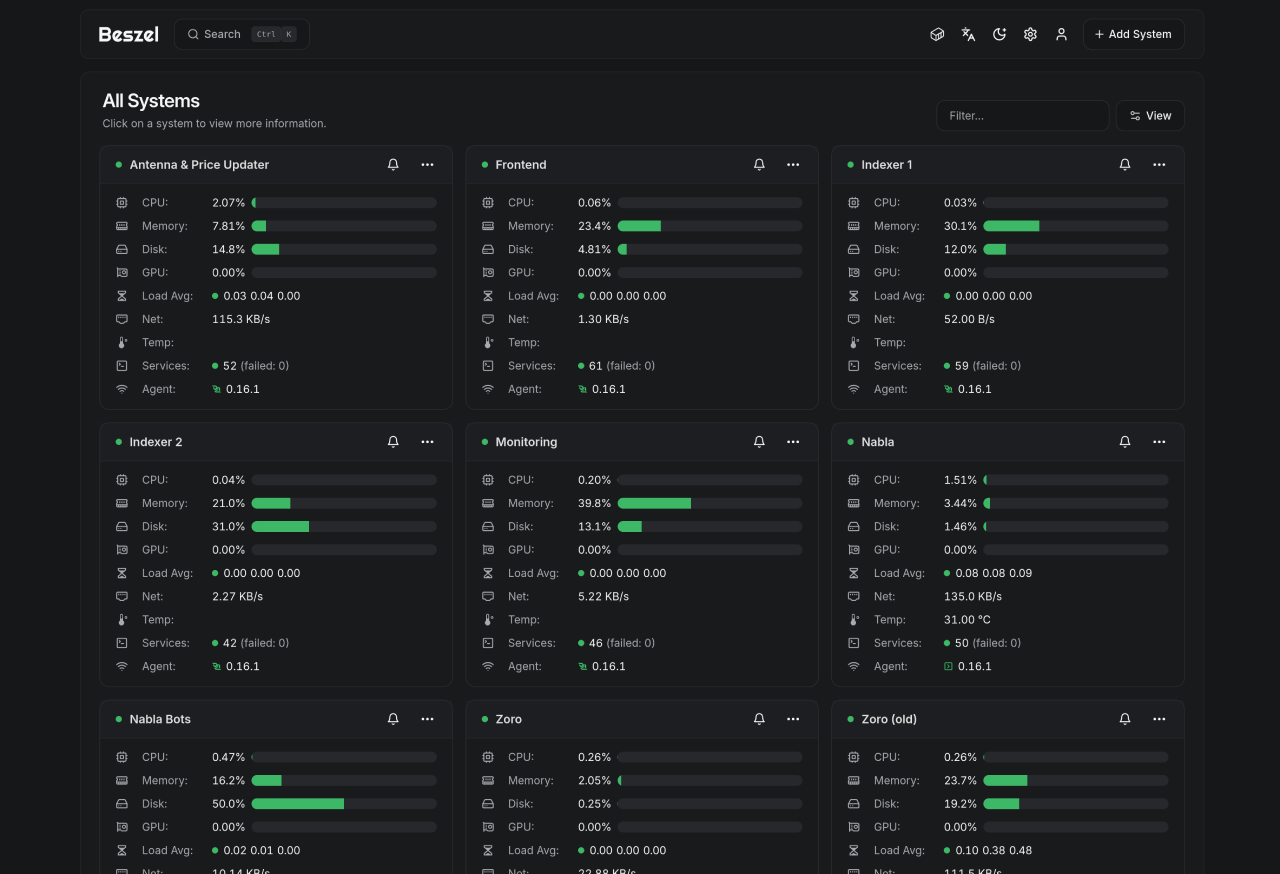
It provides a cool look into all your machines load stats (cpu, temps and such) plus systemd service.
Installing
On the Baszel server machine follow instructions from official docs.
Its a one-liner like:
curl -sL https://get.beszel.dev/hub -o /tmp/install-hub.sh && chmod +x /tmp/install-hub.sh && /tmp/install-hub.sh
This will install the beszel binary. The beszel itself will update itself if you accept it when prompted.
Open ports for Beszel to ssh into machine you want to monitor
Even though beszel operates on Websockets primarily it will SSH into the machine in case Websocket connection is lost.
Make sure port 45876 on target machine to SSH into is open.
If you havent done so before, check Firewall section for extra tips, but here is a quick oneliner:
sudo firewall-cmd --permanent --zone=public --add-port=45876/tcp &&
sudo firewall-cmd --reload &&
sudo systemctl restart beszel-agent
also make sure that the default zone on the machine is public.
If its drop then run:
sudo firewall-cmd --set-default-zone=public && sudo firewall-cmd --reload
Add machines on Beszel
Click Add New System
Input relevant info and click Copy linux command.
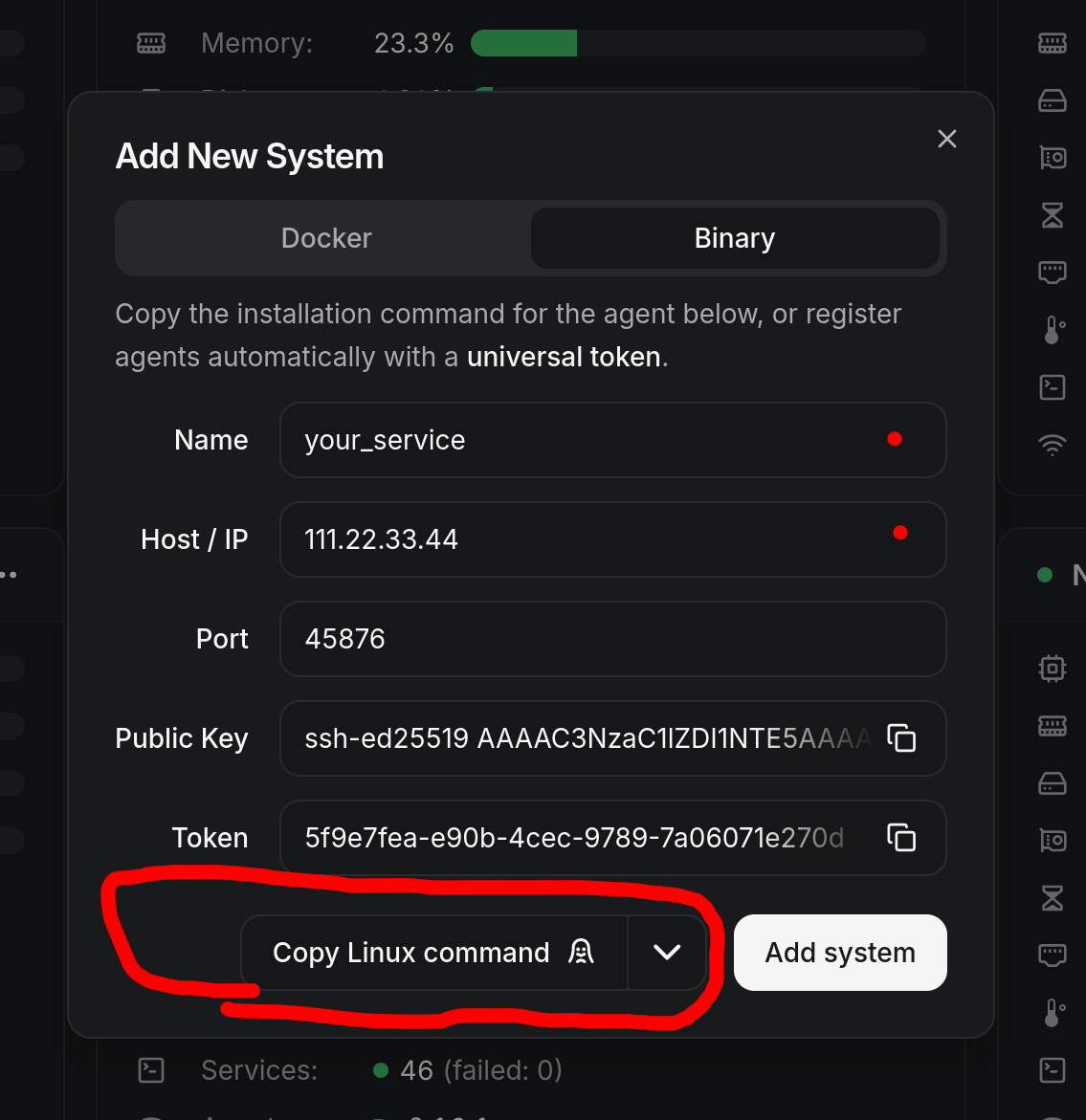
Use this command on the target machine to easily connect Baszel.